Welcome to StudyTeam for Sponsors
StudyTeam gives you unmatched confidence and control across your entire enrollment journey. Supporting hundreds of your trials since 2020, this purpose-built, cloud-based platform streamlines how you manage and monitor recruitment and enrollment. By simplifying site workflows and providing earlier, clearer visibility into patient activity, StudyTeam helps you accelerate enrollment and keep trials moving forward with precision.
StudyTeam Solutions
When site personnel log into StudyTeam for Sites, site teams instantly access critical workflow tools to more easily manage patient enrollment. Site teams are able to improve data accuracy and performance by managing everything from patient pre-screening and referral management to study visits in one easy-to-use clinical trial management system that scales to fit their needs.
Sites work within flexible StudyTeam suites:
- Recruitment: Sites build detailed, digital patient databases, which include a list of potential candidates filterable by pre-screened I/E criteria. Pre-screening updates automatically reach you with no extra site effort. Sites can also easily receive patient referrals directly into StudyTeam.
- Visit Management: Sites easily stay on track with automated visit window tolerances and scheduling tailored to protocol specifications.
- Diversity: Gain instant access to recruitment and enrollment reports categorized by race and ethnicity. These insights help you visualize representation at every stage of enrollment, as well as identify any barriers (such as criteria) that are disproportionately affecting certain populations.
- Watchlist: Identify patients that may be eligible for screening at a future date, but are unable to move to screening now
- Message Center: Instantly send messages directly to a patient’s cell phone right from StudyTeam.
- Chart Review Reimbursement: Sites document time and effort spent on chart review directly within the StudyTeam for Sites application, generating automated site reimbursement where locally available and per local regulation.
- Referral Management: The StudyTeam for Sites interface is designed to connect recruitment sources. Patients can find out about clinical trials through the sponsor’s website. If a patient fills out information on the sponsor’s trial webpage, they will be referred to a local site and the site will receive that referral via the StudyTeam for Sites account.
Sites can efficiently follow up with high-quality patient referrals.
The StudyTeam for Sites interface is designed to connect with your recruitment vendors through an open API. This enables sites to receive patient referrals directly in StudyTeam, where they can follow up while patient interest is high.
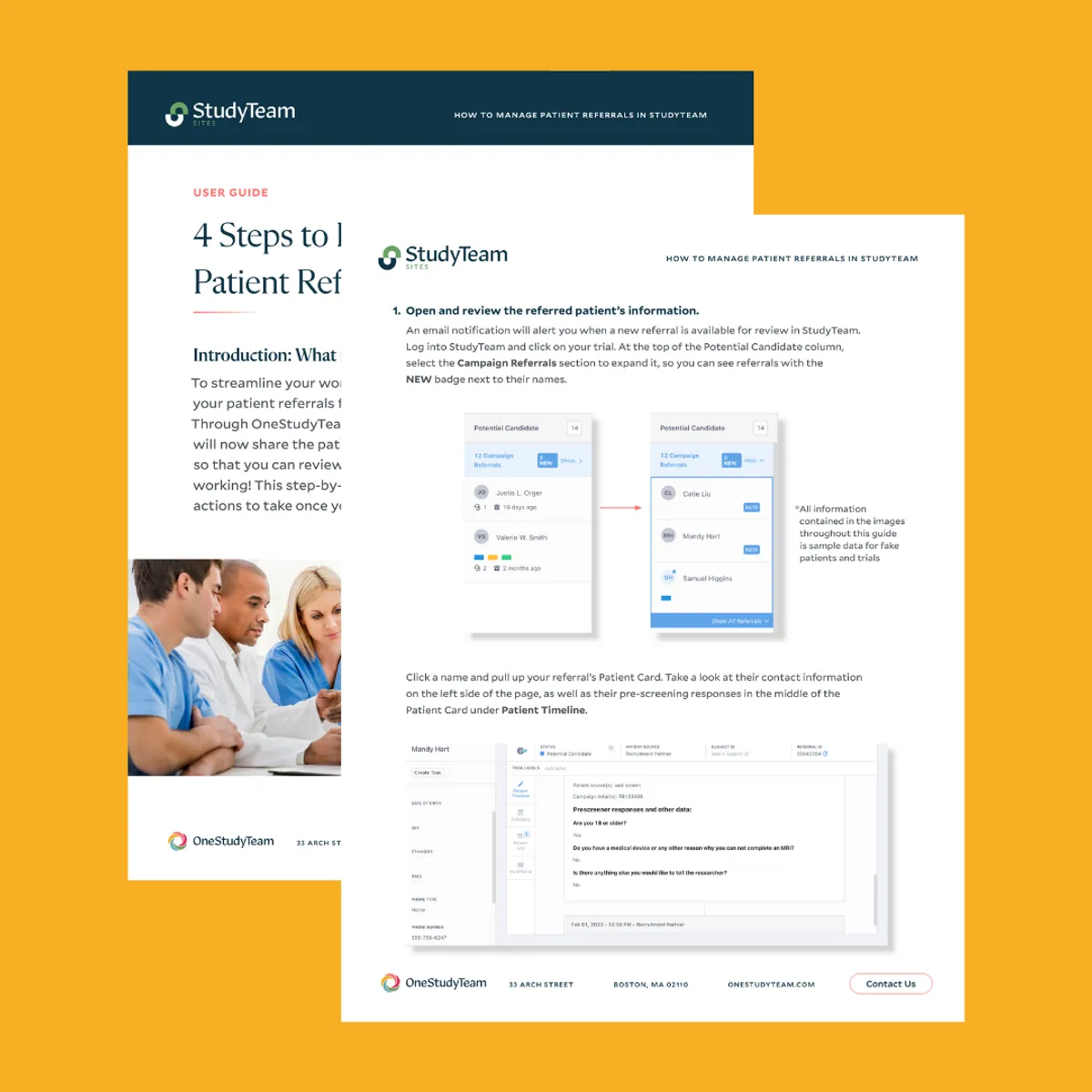
4 Steps to Effectively Manage Patient Referrals in StudyTeam
Share this resource with your sites to enable them to streamline patient referrals right into StudyTeam.
Interactive tour of referral management in StudyTeam
Walk your sites through this interactive tour to better understand how to manage referrals right in StudyTeam – or share the tour link with them directly.
CRA Resource Center
Tap into these guides to onboard more effectively with StudyTeam and to improve site monitoring.
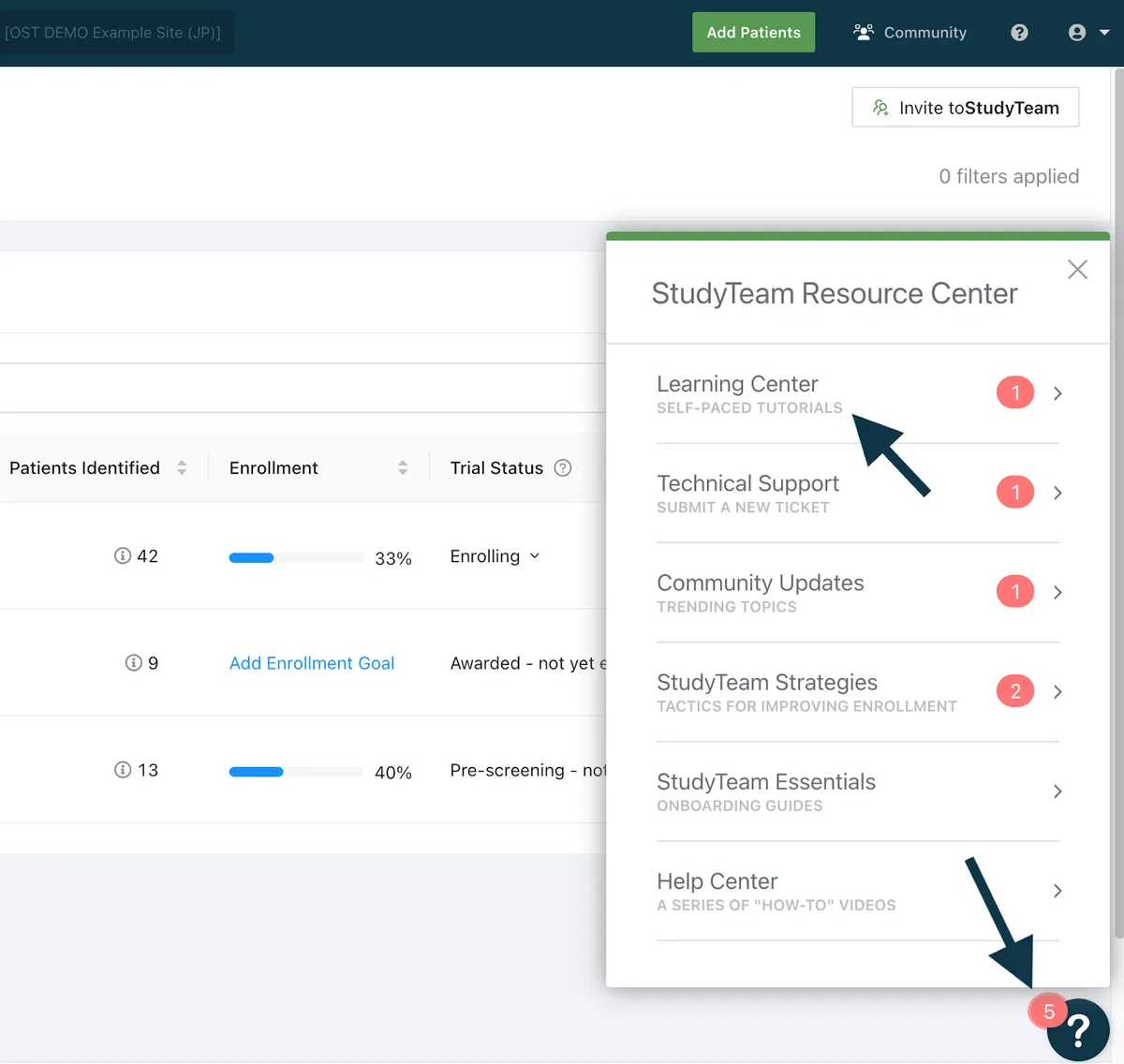
Access the StudyTeam Learning Center for Sponsors
Existing StudyTeam user? Log in with single-sign-on through the StudyTeam app. Click on the Resource Center (the large question mark in the lower right of the screen), then select Learning Center.
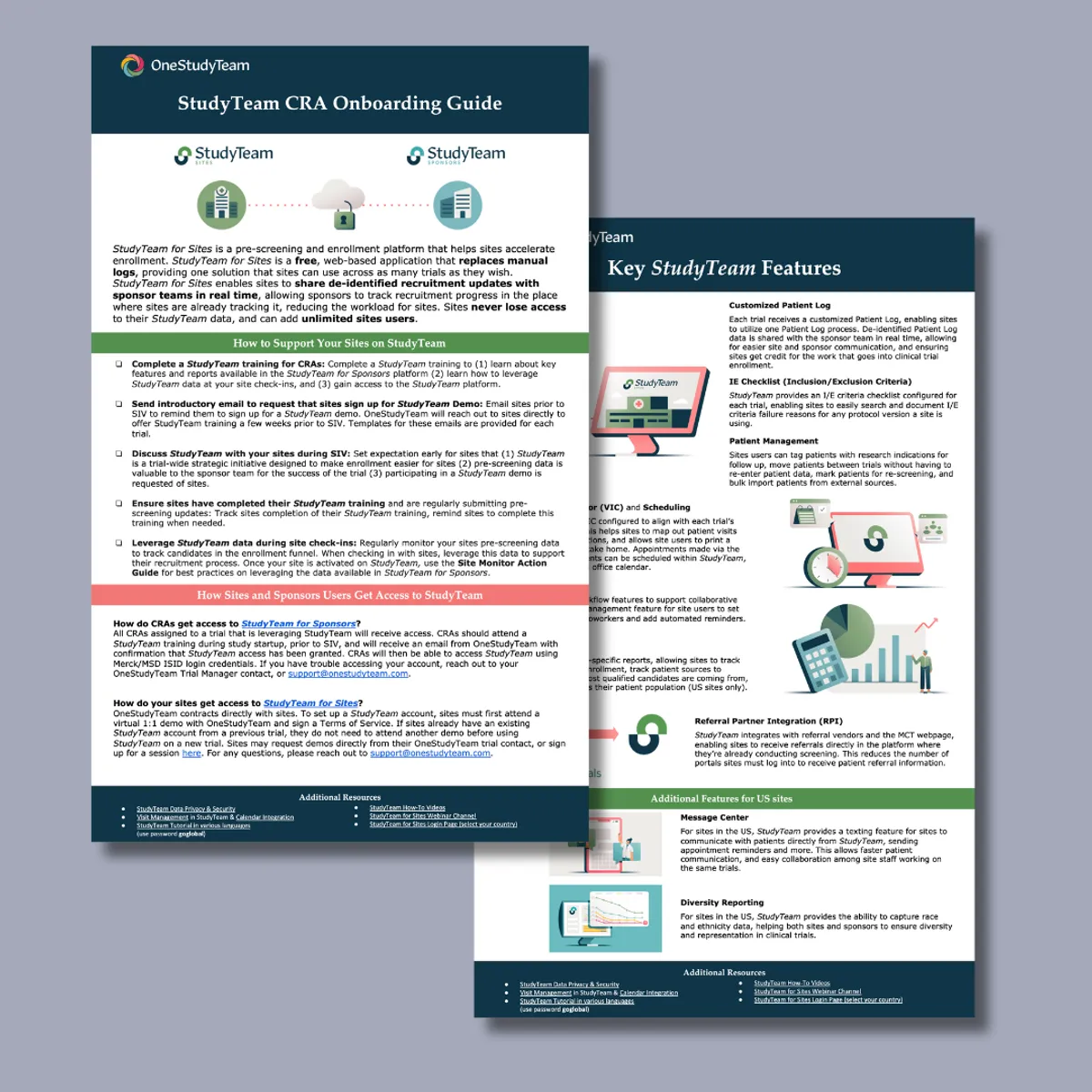
CRA Onboarding Guide
See how you can support your sites in StudyTeam with key features.
6 Key Reports for Sponsors to Optimize Clinical Trial Recruitment and Enrollment
See how you can meet enrollment goals faster right in StudyTeam for Sponsors. Tap into centralized reporting across all recruitment and referral sources, vendors, and campaigns.
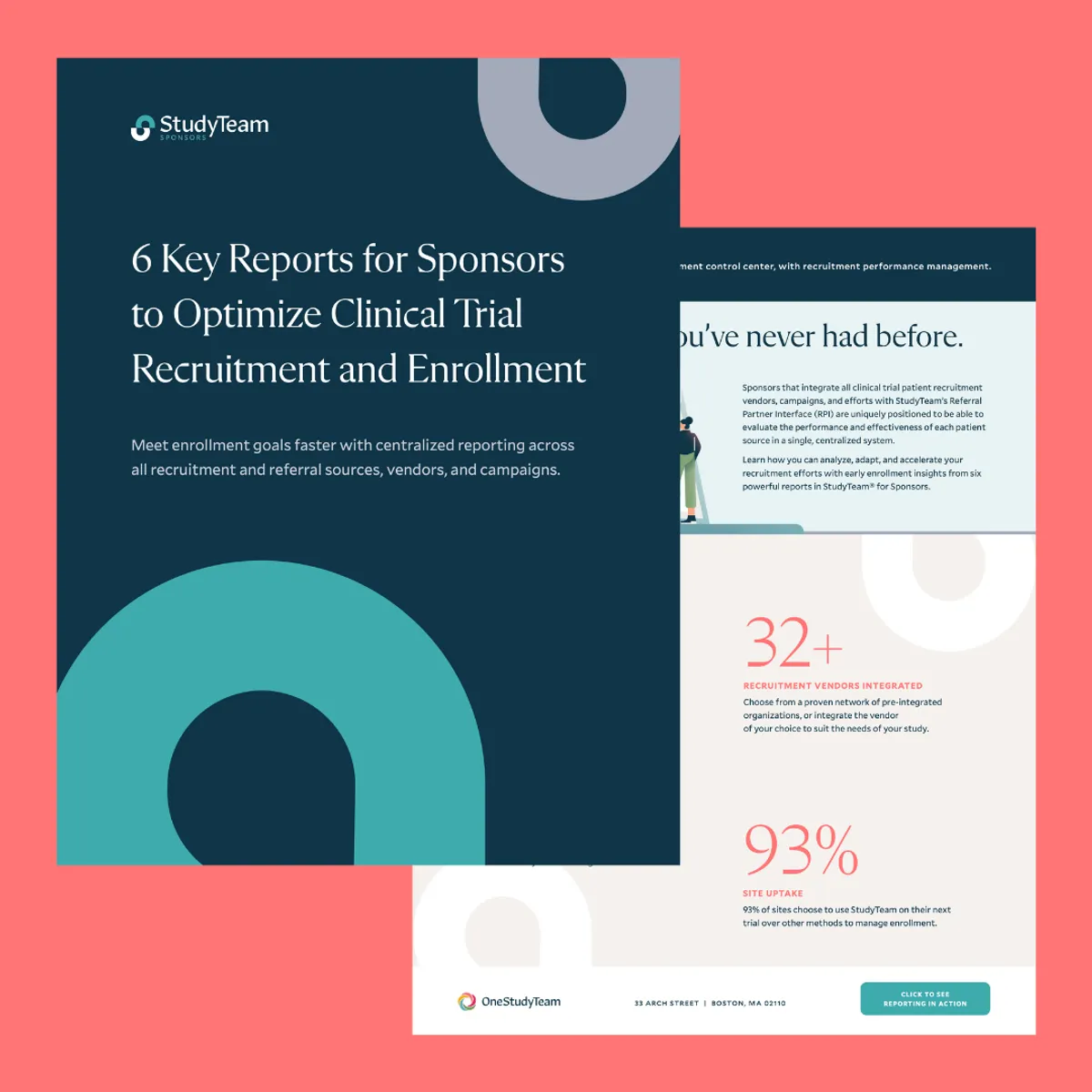
Take a guided tour of recruitment reports in StudyTeam
Click through the interactive tour below.
StudyTeam Activation for Sites
All sites should register for StudyTeam using the StudyTeam Registration form. The registration form will determine if the user is an existing StudyTeam user or new StudyTeam user, and direct the site accordingly. Sites will enter contact and protocol information to activate their account for a new trial and/or a new user. Please ensure that all your sites complete the registration form in advance of their SIV.
The below email template has been approved by your leadership, which is intended for CRAs to send to all sites.
Please use this email template to share the registration link with your sites prior to SIV.
Get your sites started in StudyTeam with site user guides and data protection information.
Share the right materials with your sites so they know how to get started within the application. Provide visibility into how to use StudyTeam, how data is protected, and how to start receiving patient referrals.
Click on a region to view the countries and their privacy statements.
EMEA (Europe, Middle East, Africa)
LATAM (Latin America)
APAC (Asia-Pacific)
NA (North America)
Data Privacy & Security
See how StudyTeam is designed to strengthen privacy compliance with data protection built from the ground up.
We'd love to hear from you!
Contact us with any questions or to talk further about StudyTeam capabilities.